Add the essentials
Enter contact details, a summary, work experience, skills, and education in focused sections.
A calmer way to make a resume
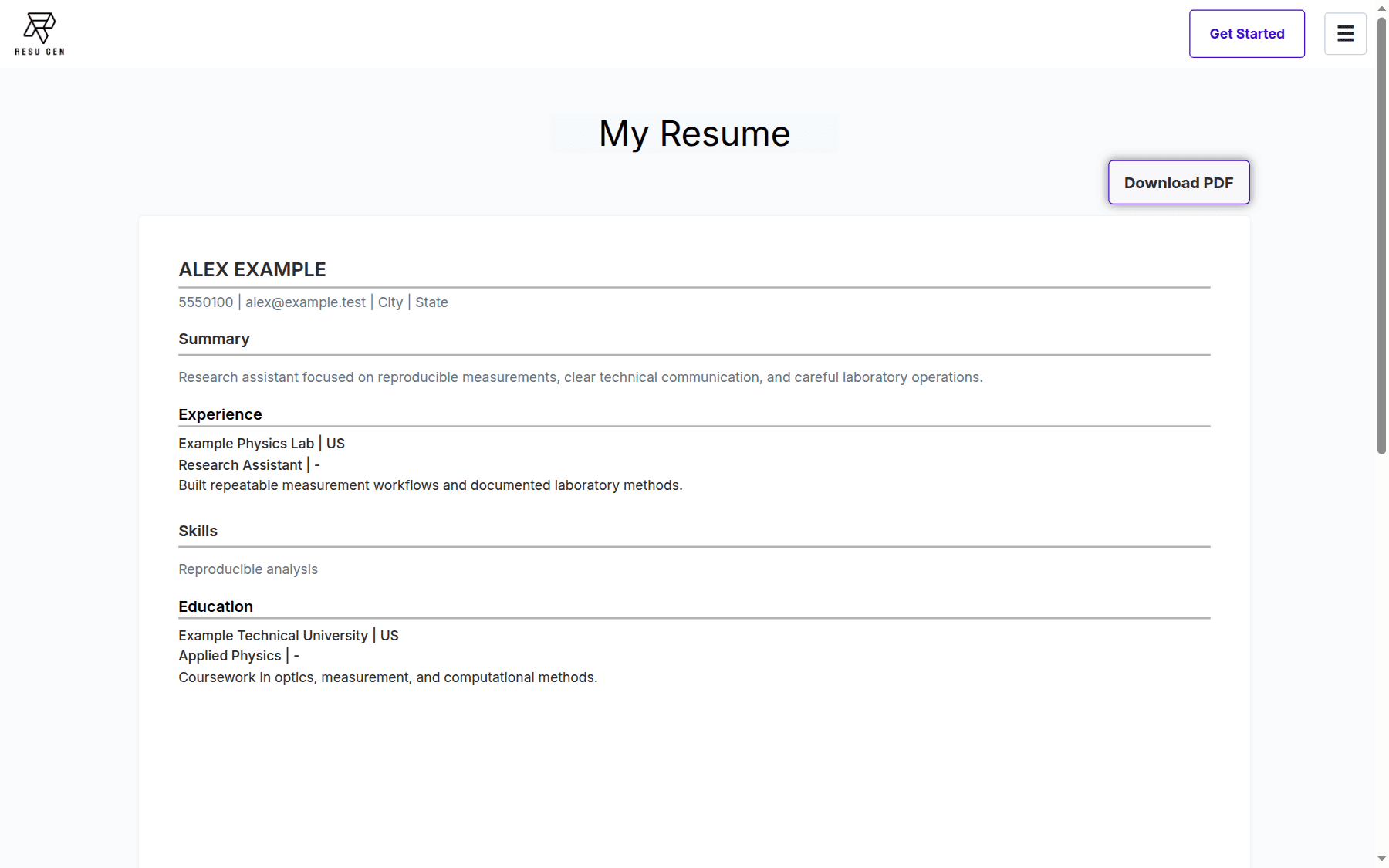
ResuGen is a browser-based resume builder. Add your experience, skills, and education, review the live preview, and export a PDF.
Drafts stay in the current page and are not saved. Download your PDF before leaving. Read the privacy information.
What you can do today
The current ResuGen workflow is focused on resume data input, preview, and PDF export.
Enter contact details, a summary, work experience, skills, and education in focused sections.
See your resume take shape in a live preview before you export it.
Generate a paginated resume PDF in your browser and save a copy to your device.
Built for a simple workflow
Resume entries are held in the open editor page. ResuGen does not save drafts to an account in the current implementation, so export a copy before you leave or reload.
Work through the sections that apply to you.
Check how your details read together.
Save the generated document to your device.
Planned, not available
Claude-powered job tailoring and multilingual suggestions are planned capabilities. They are not part of the current product and are not advertised as deployed.
Before you begin
No. The current editor keeps draft data in page memory. A reload or leaving the editor can discard it.
No. Claude-powered job tailoring and multilingual suggestions are planned, not available.
The editor generates a paginated PDF from the resume details you enter. Review the file before using it.
Build, review, and export a resume in your browser.